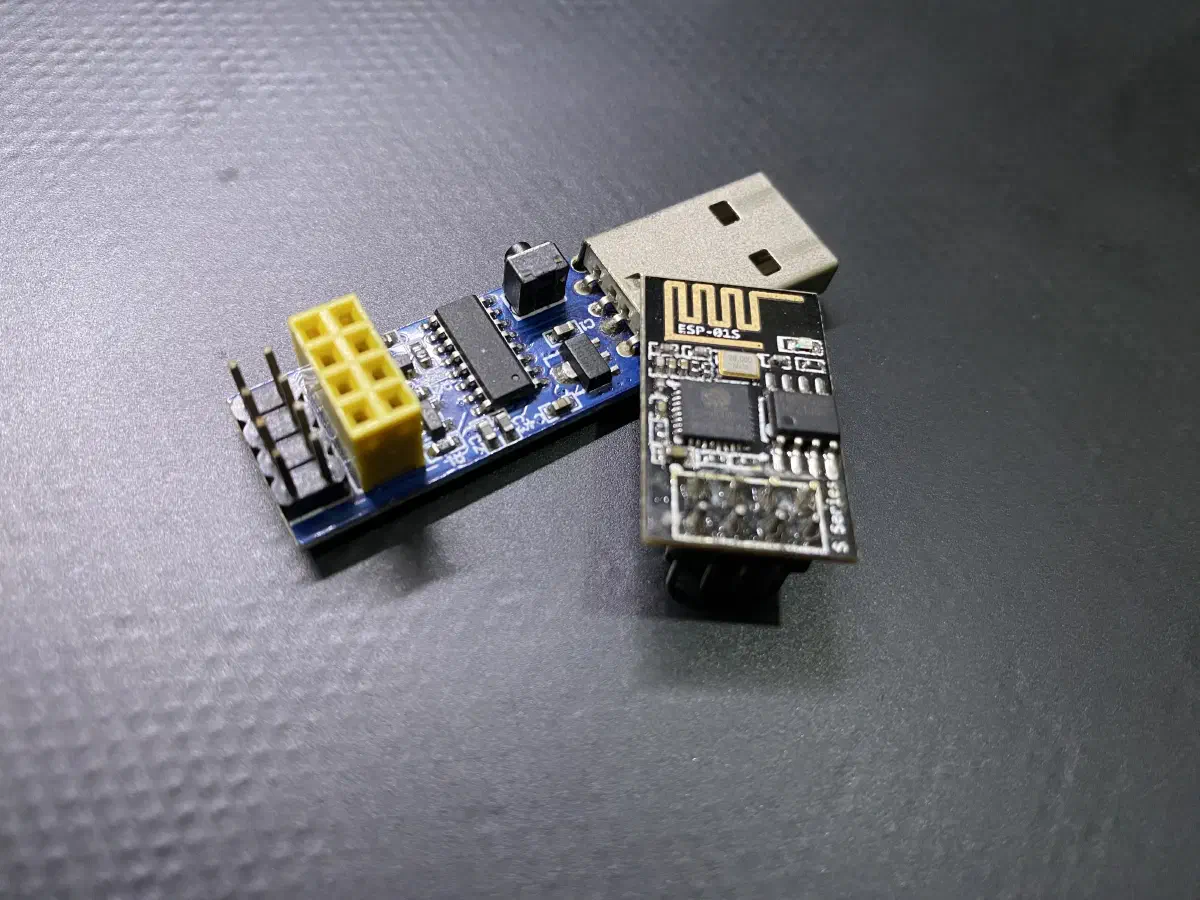

Recently, I started working with the ESP-01S module and CH340 ESP programmer. However, when I tried to upload a new Arduino sketch, I encountered an error:
A fatal esptool.py error occurred: Cannot configure port, something went wrong. Original message: PermissionError(13, 'A device attached to the system is not functioning.', None, 31)CH340 Driver Issue and Fix.#
After some googling, I discovered that the problem was related to the CH340 USB-to-serial chip driver. The latest CH340 driver, version 3.8, seem to cause the issue. To fix it, I had to uninstall the 3.8 version driver, and install the previous 3.4 version driver.
Here how you can do the same:
- Go to Device Manager and find USB-SERIAL CH340 under Ports(COM & LPT).
- Right the CH340 device and click Properties.
- The driver version is under Driver tab.
- If the version is not right, click the Uninstall Device.
- Download the 3.4 version and install.
Windows 11 Auto Update Drive, Break the CH340 Driver Again.#
Somehow, Windows 11 will automatically update drivers, and this can revert the CH340 driver back to the problematic version 3.8. My temporary fix is to disable automatic driver updates.
- Press the Windows key and search for Change device installation settings.
- Click on the search result to open the settings.
- Select No radio button.
- Click Save Changes.
Please note that disabling this stops Windows install/update any new and existing device drivers automatically. Make sure you install or update your driver manually.